🎨 AI Image Creator and Editor
Edit or generate images with AI for free - Powered by multiple AI models - No account or registration required
💡 Gemini & Hugging Face Edit: Edit existing images (image upload required)
Drop your image here or click to browse
Supported formats: JPG, PNG, GIF, WebP, BMP
Processing your request...
This may take a few seconds. Please be patient.
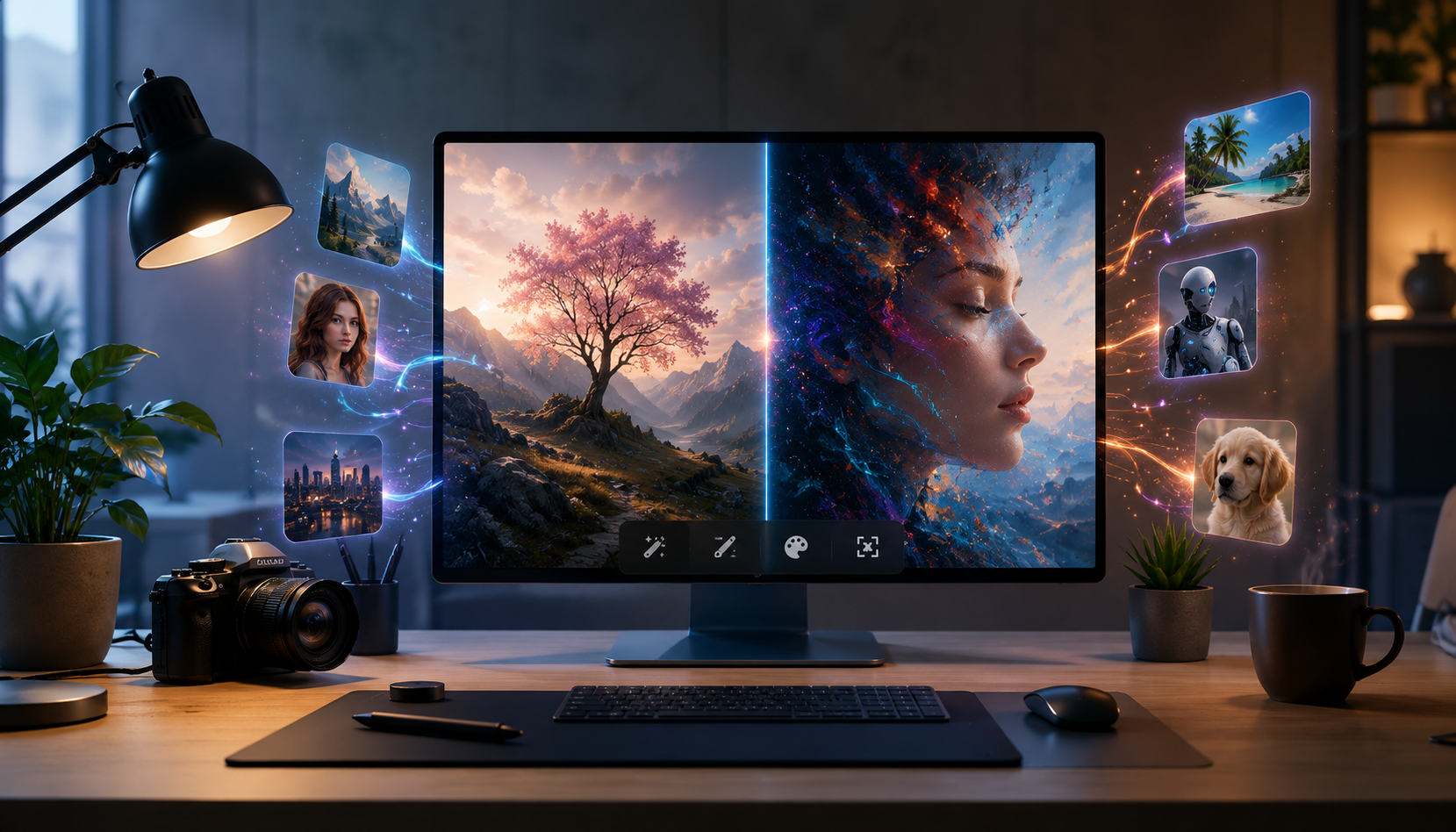
Welcome to the ultimate AI Image Creator and Editor - your free, browser-based tool for generating and editing images using cutting-edge artificial intelligence. Whether you're a designer, content creator, or just someone who loves playing with AI, our tool makes it easy to bring your imagination to life.
No registration, no credit card, no hidden fees - just pure creativity!
✨ What You Can Do
Generate Stunning Images from Text
Describe what you want to see, and our AI will create it in seconds. From photorealistic landscapes to artistic masterpieces, the possibilities are endless.
Edit Existing Images
Upload your photos and transform them with simple text instructions. Change colors, styles, objects, or completely reimagine your images.
🤖 Powered by Multiple AI Models
We combine the power of leading AI models to give you the best results possible:
🤗 Hugging Face FLUX
- Type: Text-to-Image Generation
- Best for: Creating high-quality, photorealistic images from text descriptions
- Features: Fast generation, excellent quality, wide range of artistic styles
- Free: Yes - completely free with our integration
⚡ Pollinations AI
- Type: Text-to-Image Generation
- Best for: Quick, creative image generation with artistic flair
- Features: Fast response times, creative interpretations, various art styles
- Free: Yes - no API key needed
🔮 Google Gemini (Nano Banana)
- Type: Image Editing
- Best for: Professional-grade image editing and transformation
- Features: Advanced editing capabilities, style transfer, object manipulation
- Free: Limited free tier (billing required for high volume)
🎯 Hugging Face Image Edit (Experimental)
- Type: Image-to-Image Editing
- Best for: Instruction-based image editing
- Features: Style changes, object modification, artistic transformations
- Free: Yes (subject to availability)
🚀 How to Use
For Text-to-Image Generation (FLUX & Pollinations)
- Select a model: Choose between Hugging Face FLUX or Pollinations AI
- Write your prompt: Describe the image you want to create
- Be specific: "A majestic lion standing on a rocky cliff at sunset"
- Add style: "In the style of watercolor painting"
- Specify details: "With dramatic lighting and vibrant colors"
- Click "Generate" - your image will appear in seconds!
- Download or save - right-click on the image to save it
Pro Tips for Better Results
- Use descriptive language (colors, mood, setting, style)
- Mention artistic styles (photorealistic, anime, oil painting, sketch)
- Include lighting preferences (golden hour, dramatic lighting, soft lighting)
- Add composition details (close-up, wide shot, bird's eye view)
For Image Editing (Gemini & Hugging Face Edit)
- Upload an image - click the upload area or drag & drop your image
- Write your editing instructions - be specific about what you want to change
- "Change the sky to a sunset"
- "Make this look like a watercolor painting"
- "Remove the person in the background"
- Click "Edit" - wait a moment for the AI to process
- Preview the result - your edited image appears instantly
Great Editing Prompts
- "Change hair color to red"
- "Make it look like a professional photo"
- "Add a rainbow in the background"
- "Transform into anime style"
- "Remove the background"
💡 Why Choose Our AI Image Tool?
- 100% Free - No subscription, no hidden costs
- No Account Needed - Start creating instantly
- Multiple AI Models - Choose the best tool for your needs
- Fast Results - Images generated in seconds
- High Quality - State-of-the-art AI technology
- Privacy First - No data collection, no tracking
- Browser-Based - Works on any device, no installation needed
- Download Option - Save your creations immediately
🎯 Perfect For
- Content Creators - Generate unique visuals for social media
- Designers - Quick mockups and concept art
- Bloggers - Create eye-catching featured images
- Students - Visualize ideas and concepts
- Artists - Get inspiration and try new styles
- Anyone Creative - Bring your imagination to life
🌟 Popular Use Cases
Social Media Content
- Generate unique profile pictures
- Create attention-grabbing post images
- Design custom thumbnails
Marketing & Design
- Create product mockups
- Design promotional materials
- Generate background images
Creative Projects
- Illustrate stories or articles
- Create custom wallpapers
- Design logos and graphics
📝 Example Prompts to Get You Started
For Image Generation
- "A futuristic cityscape at night, cyberpunk style, neon lights reflecting on wet streets"
- "A beautiful fairy sitting on a mushroom in an enchanted forest, magical glowing atmosphere"
- "A majestic dragon flying over a medieval castle, epic fantasy scene, dramatic lighting"
- "A cozy coffee shop interior, warm lighting, comfortable atmosphere, photorealistic"
For Image Editing
- "Make the colors more vibrant"
- "Convert this to a watercolor painting style"
- "Change the background to a tropical beach"
- "Make it look like an oil painting"
- "Add a magical glow effect"
🚀 Get Started Now!
- Visit our AI Image Creator
- Choose your preferred model
- Type your prompt or upload an image
- Watch the AI work its magic!
- Download and share your creation
No sign-up required. No limits on creativity. Start generating now!
📌 Quick Tips
- Be specific - The more detailed your prompt, the better the result
- Experiment - Try different models to see what works best
- Iterate - Refine your prompts for even better results
- Save your work - Download images you love immediately
- Share the love - Tell your friends about this free tool!
Join thousands of creators already using our AI Image Creator and Editor. Free, fast, and incredibly powerful - start creating today! 🎨✨